
Download Efbet App for Android and IOS
The Efbet app is available to users in Europe who prefer to bet on sports and play casino games from their mobile devices. The app provides access to a full list of sports betting options, live betting, casino games, and account management features. Android users can download the APK directly from the official website, while iOS users can install the app from the App Store. On this page, you will find download instructions, system requirements, registration steps, and detailed information about the welcome bonuses available to new users of the app.
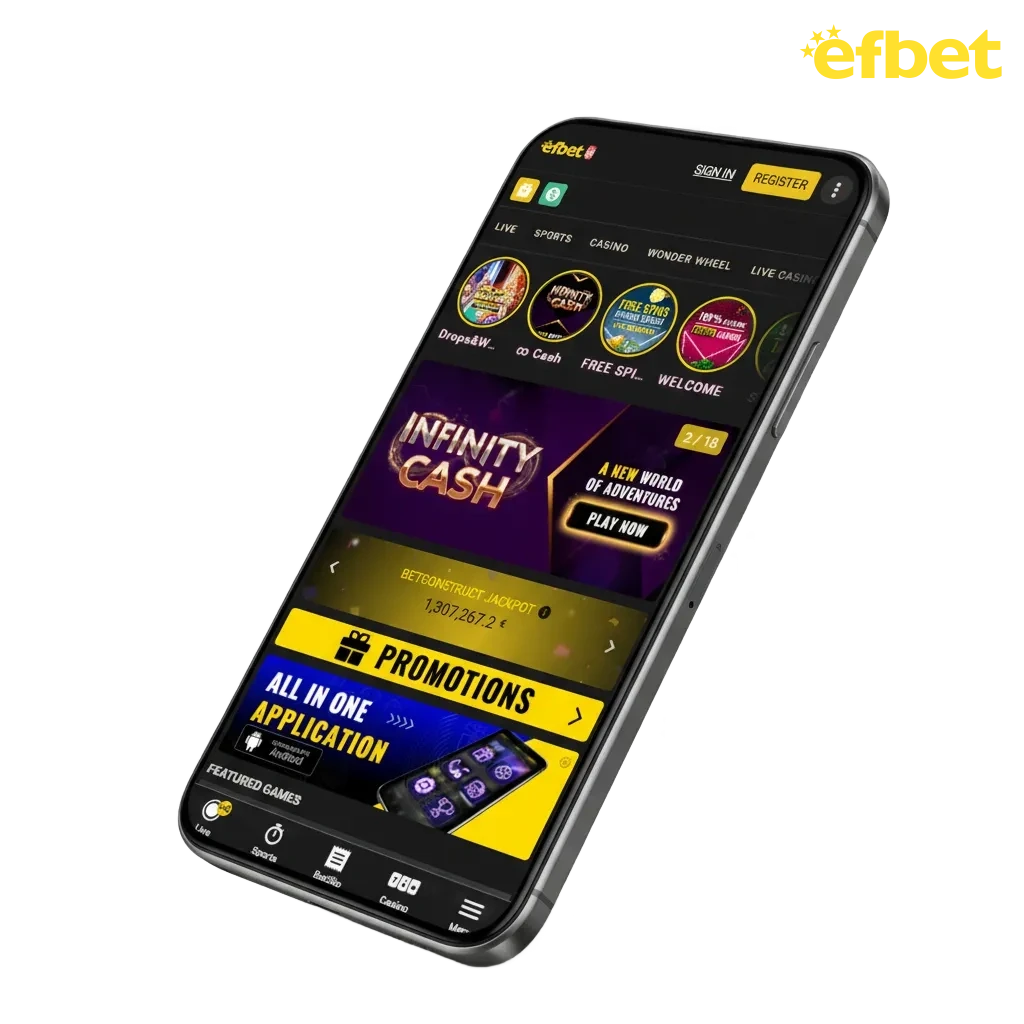
Efbet Mobile App Overview
The Efbet app offers all the features of the bookmaker in a format optimized for mobile devices. Users can manage their accounts, deposit and withdraw funds, place bets on sporting events, and play casino games. The interface adapts to small screens, and switching between sections is quick and easy. It has low system requirements and high optimization. Here are the main details:
| Parameter | Details |
|---|---|
| Download Price | Free |
| Age Restriction | 18+ |
| APK File Size | Approximately 50 MB |
| Supported OS | Android 8.0+ / iOS 12.0+ |
| Languages | English, German, Bulgarian, Romanian, and others |
| Sports Betting | Pre-match, Live Betting, Virtual Sports, Esports |
| Casino Games | Slots, Live Casino, Table Games, Jackpots, Instant Win |
| Providers | Pragmatic Play, EGT Digital, Amatic, BGaming, Evolution |
| Welcome Bonus | 100% up to 1,000 EUR |
| Payment Methods | Visa, MasterCard, Skrill, Neteller, Crypto |
| Available on Google Play | No |
| Available on App Store | Yes |
| Push Notifications | Yes |
| Automatic Updates | Yes |
Download the APK on Android: Start in Four Steps
Downloading and installing the Efbet APK file on Android takes just a few minutes. The app is not available on Google Play, so you need to download it directly from the official website to install it.
Start the Android APK Download
Open the Efbet website in any browser on your Android device. Go to the mobile apps section and click the download button for Android to save the APK file.
Approve the APK Transfer Prompt
When the download request appears, confirm that you want to save the APK file. The file will be saved in the Downloads folder.
Enable Unknown Sources in Android Settings
Go to your device settings, then to the Security section and enable installation from unknown sources. On some devices, you may be asked for permission when you try to open the APK file.
Install the APK From Your Downloads
Open the file manager or Downloads folder and click on the Efbet APK file. Follow the instructions on the screen to complete the installation. The app icon will appear in the main menu.
Efbet Android App: What You Get
The Android app provides full access to sports betting, casino games, and account management. The interface is optimized for mobile screens, and all sections load quickly. Users can deposit and withdraw funds, activate bonuses, and contact customer support directly through the app.
Users can also place live bets, watch live streams, and view statistical information about teams. The casino section features slots and live games from licensed providers. Push notifications inform users about promotions and upcoming matches.
Minimum Requirements to Run the Android App
The Efbet app has modest system requirements and runs on most Android devices released in recent years. Here are the main details:
| Requirement | Minimum |
|---|---|
| Android version | 7.0 Nougat or higher |
| RAM | 2 GB+ |
| Free storage | 100 MB+ |
| Processor | 1.4 GHz quad‑core or better |
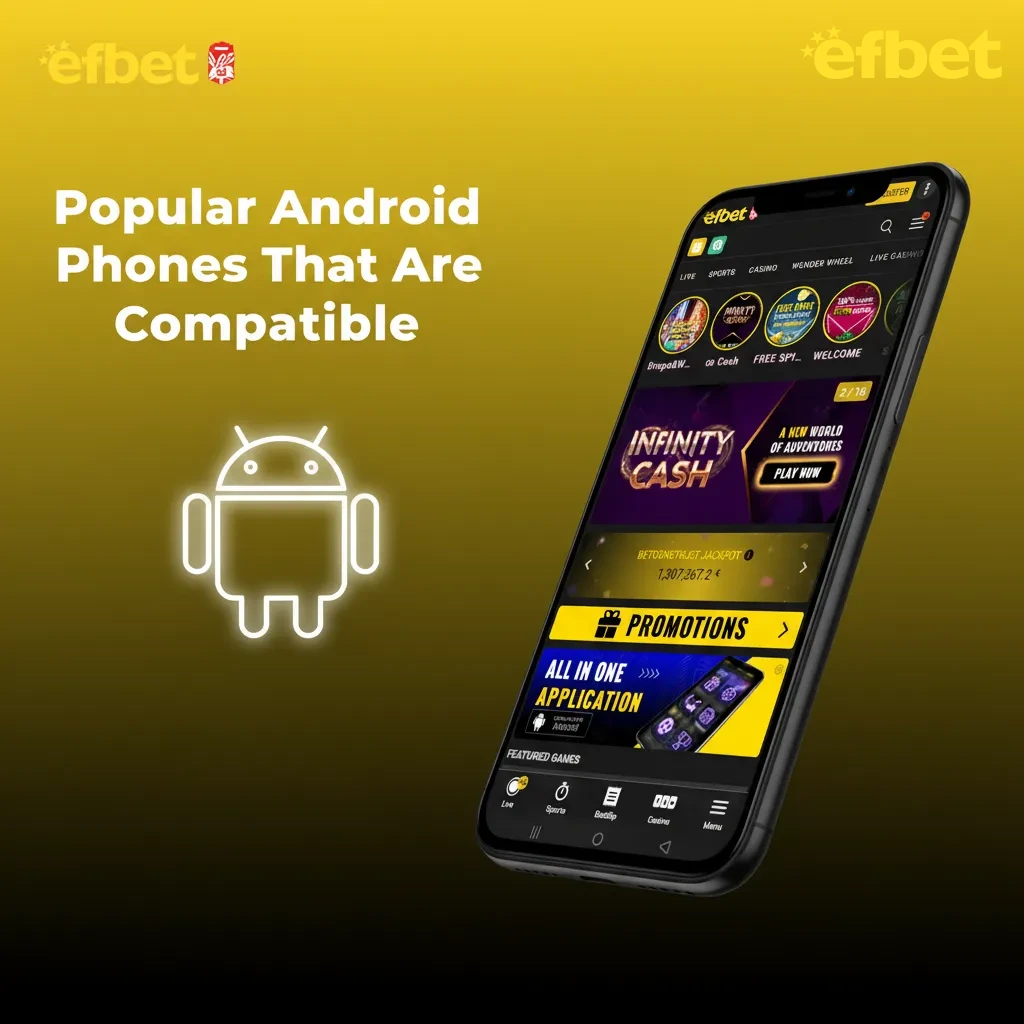
Popular Android Phones That Are Compatible
The app works on most devices running Android 8.0 and above. Below are examples of compatible models:
- Samsung Galaxy A54 / S21 / S23;
- Xiaomi Redmi Note 10 / Note 12;
- Realme 9 Pro / 11 Pro;
- Oppo A78 / Reno 10;
- Poco X5 Pro;
- OnePlus Nord CE 3;
- Motorola Moto G73;
- Google Pixel 7 / 7a.
If your device meets the minimum requirements, the app should work without any problems.
Install the iOS App in 3 Short Steps
The Efbet app is available for iPhone and iPad through the App Store. Installation follows the standard process for any iOS application.
Open the App Store
Open the App Store on your iPhone or iPad.
Search for Efbet
Use the search function to find the official Efbet app. Make sure to select the correct app from the verified publisher.
Download and Install
Tap the download button and wait for the installation to complete. The Efbet icon will appear on your home screen.
Efbet iOS App: iPhone and iPad Ready
The iOS app offers the same functionality as the Android version. Users can access sports betting, live betting, casino games, and account management features. The interface is optimized for iOS devices and supports Face ID and Touch ID for secure login.
All payment methods available on the desktop website work in the iOS app. Users can also make transactions, receive bonuses, and set up notifications.
iOS Minimum Requirements You Should Check
The Efbet app is lightweight and runs without lags on most modern iOS devices. Before downloading, verify that your device meets the following specifications:
| Requirement | Minimum |
|---|---|
| iOS version | 13.0 or later |
| RAM | 2 GB+ |
| Free storage | 100 MB+ |
| Processor | Apple A10 Fusion or newer |
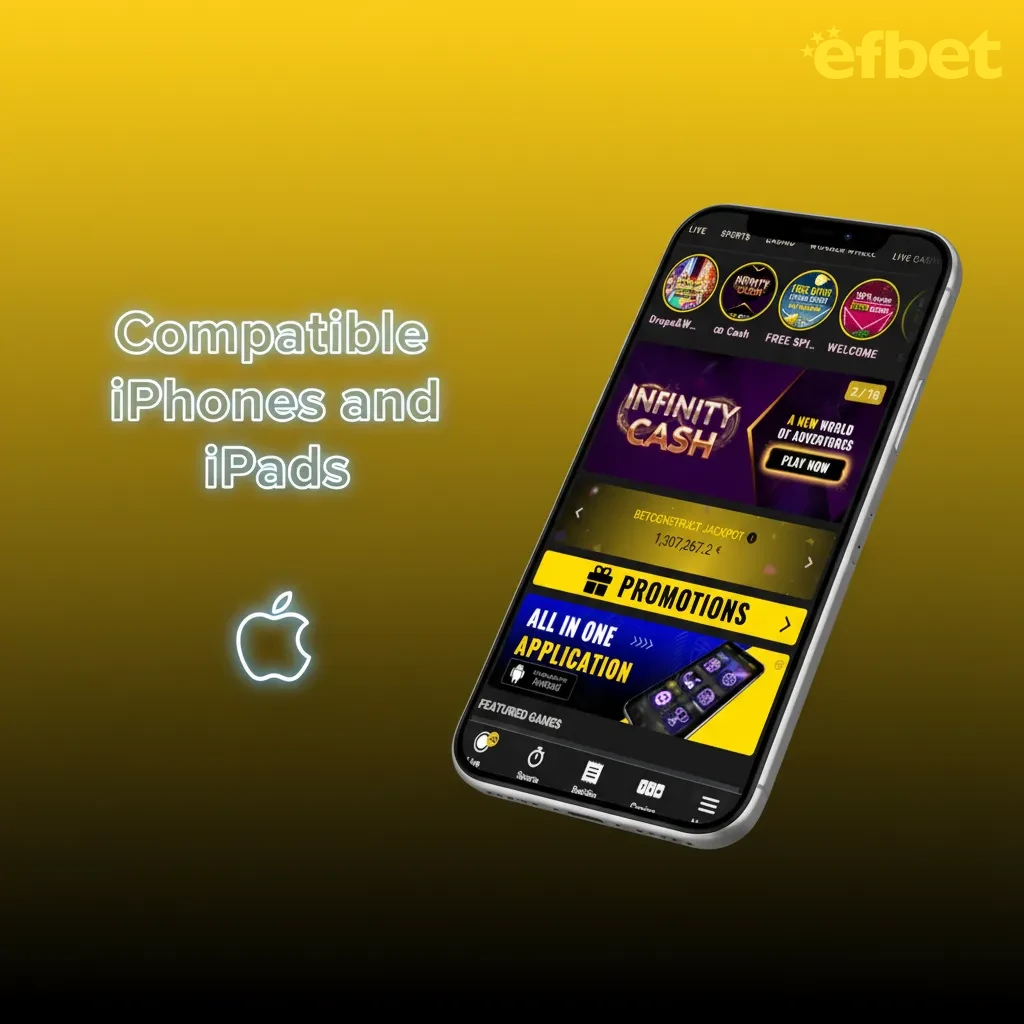
Compatible iPhones and iPads
The Efbet app is optimised for a wide range of Apple devices. Any gadget running iOS 12.0 or later can install the app without performance issues. Below are examples of compatible devices:
- iPhone SE (2nd generation and newer);
- iPhone 8 / 8 Plus;
- iPhone X / XR / XS;
- iPhone 11 / 12 / 13 / 14 / 15 / 16;
- iPad Mini;
- iPad Air;
- iPad Pro.
What Changed: Old vs New APK Build
The Efbet app is regularly updated, which improves its performance and adds new features. It is important to update the app regularly as this gives you access to the latest features and security improvements. Here is a comparison of the old and new versions:
| Feature | New Version | Old Version |
|---|---|---|
| Loading Speed | Optimised for quick access | Standard loading times |
| Live Betting Updates | Near-instant odds refresh | Delayed by several seconds |
| Video Streaming | Stable HD playback | Occasional buffering |
| Storage Size | Compact file size | Larger installation footprint |
| Stability | Improved crash prevention | Occasional unexpected closures |
| Security | Enhanced encryption | Basic SSL protection |
| Login Options | Biometric authentication | Password only |
How to Register in the Mobile App
New users can create an account directly through the Efbet app. Here are detailed instructions to help you:
- Open the Efbet app and click on the registration button.
- Enter your personal details, including your gender, first name, last name, and date of birth.
- Enter your address, postal code, country, and ID details.
- Create your login details. You will need to provide your email address, username, and password.
- Confirm that you are over 18 years of age and agree to the terms of use.
- Tap the confirmation button to complete the registration process.
Once registered, you will be automatically logged in and can start using all the features of the app.
Keep Your App Updated in a Few Steps
When a new update for the Efbet app is released, users receive a notification on their smartphones. Installing the update is very simple:
- Tap on the notification you received on your smartphone.
- When the app opens, you will be offered the new version; agree to install it.
- Wait for the installation to complete.
The next time you open the Efbet app, you will be taken to the new, updated version, which will work even better.
Welcome Offers for New App Users
New users from Europe can receive a welcome bonus that will allow them to get additional funds for gambling. Basic information about the available starting promotions is presented below:
| Bonus | Deposit Range | What You Get | Wagering | Time Limit |
|---|---|---|---|---|
| Fivefold Fun (1st deposit) | 20 – 100 EUR | 100% match up to 100 EUR | 35x | 10 days |
| Fivefold Fun (2nd–5th deposits) | 100 EUR per deposit | 50 free spins each (200 total) | 35x | 10 days |
| Mega Fun | 20 – 1,000 EUR | 100% match up to 1,000 EUR | 35x |
Place Your First Bet in Minutes
The betting process in the app is very simple and will not cause you any difficulties. Here are the instructions to help you:
- Open the Efbet app and log in using your credentials.
- Click on the deposit button and add money to your balance using any method convenient for you.
- Go to the Sports section and view the available events.
- Select a match and view the available markets.
- Click on your preferred outcome to add it to your betting slip.
- Enter the bet amount and confirm the bet.
Winnings are credited to your balance after the event is completed. You can withdraw money from your balance at any time.
Use the Mobile Website if You Prefer No Install
If you don’t want to download the app or are experiencing compatibility issues with your device, the mobile website offers a fully-fledged alternative. The site is optimized for any mobile browser and provides the same features as the desktop version. You can register, log in, manage your account, deposit and withdraw funds, place bets, and play casino games directly through your browser.
Mobile App vs Website: Which Should You Use?
Both the mobile website and the Efbet app are designed to provide users with a complete mobile gambling experience. They offer a similar set of features, but there are some differences summarised in the table below:
| Efbet App | Mobile Website |
|---|---|
| You need to download the app to your smartphone | You can open it from any browser |
| It takes up space on your smartphone | It does not take up space in your smartphone’s memory |
| All interface elements are preloaded after installation | Each graphic element requires downloading |
| All sections and pages load as quickly as possible | Pages load with slight delays |
| Odds and market information in Live Betting updates automatically | Data updates require page refresh |
| You receive push notifications about matches, promotions, and bonuses | You cannot receive notifications via mobile browser |
| Biometric login available (Face ID, Touch ID, fingerprint) | Standard login with username and password only |
Sports Coverage in the Betting App
The app provides access to the full version of the Efbet bookmaker. Each sport has a separate section with all available matches and markets. Pre-match and live betting are supported in all disciplines. Available sports:
- Football;
- Tennis;
- Basketball;
- Volleyball;
- Handball;
- Hockey;
- MMA;
- Boxing;
- Esports (CS2, Dota 2, LoL, Valorant).
Users can bet on match winners, totals, handicaps, and player statistics. In addition, an important feature is the availability of live broadcasts of sporting events. Users can also view statistics, which will allow them to make more informed bets.
Efbet Casino App Features
The casino section features thousands of games from licensed providers. All games load quickly and run without lags on mobile devices. The game interface automatically adjusts to the display settings. Available categories include:
- Slots;
- Live Casino;
- Table games;
- Jackpots;
- Instant wins;
- Megaways.
- Crash Games;
- Lotteries and much more.
In slots, set your bet size and click to spin the reels. In live dealer games, watch the rounds via HD broadcast and place bets using virtual buttons. Winnings are credited to your balance after each round.
Benefits You Get in the Mobile App
The Efbet app offers a full range of features that make mobile gambling convenient. Here are the main advantages for users from Europe:
- Gambling options. The app allows you to create an account, manage your balance, bet on dozens of sports, access live betting, and play casino games anytime, anywhere;
- Bonuses. All bonuses and promotions available on the website are also available through the app, including welcome offers and ongoing promotions;
- Payments. Users can deposit and withdraw money using Visa, MasterCard, Skrill, Neteller, bank transfer, and cryptocurrencies. All transactions are processed quickly and without commission;
- High performance. The app ensures fast page loading and ease navigation between sections;
- Live streaming. Users can watch live streams of selected sporting events directly in the app for free;
- Multiple languages. The app interface is available in several European languages for easy navigation;
- Reliable security. The app uses SSL encryption and dedicated servers to protect user data and financial transactions;
- Notification system. Push notifications inform you about upcoming matches, new casino games, and available bonuses.
Payments for Europe in the App
App users can manage their balance, make deposits, and withdraw funds. For convenience, a large number of popular payment methods have been added:
- Visa;
- MasterCard;
- Bank transfer;
- Skrill;
- Neteller;
- Paysafecard;
- Bitcoin;
- USDT.
The minimum deposit is 5 EUR. Deposits are credited instantly, and withdrawals are processed within 15 minutes to 24 hours. There are no transaction fees.
Is the APK Safe to Install?
The Efbet app was developed with security and user data protection requirements in mind. The company regularly releases updates to eliminate potential threats. All servers use SSL encryption and are monitored around the clock. If the user follows basic security rules, the account is completely secure.
Withdrawals are only permitted using the same payment systems that were used to fund the account. Efbet operates under a license from the Curacao Gaming Control Commission and has additional licenses in several European countries.
FAQ
These answers help you manage your account confidently.
Can I use the app on PC?
Use the desktop website on Windows or macOS. There is no PC installer.
How do I verify my account?
Upload ID and address documents in Profile > Verification. Approval usually takes a few hours.
Can I set deposit limits?
Yes. Go to Responsible Gaming and set daily, weekly, or monthly limits.
What are the betting limits?
Limits vary by market and account history. Check the betslip for your max stake before confirming.
How do I contact support from the app?
Open Help in the menu to access live chat, email, or phone options.
Updated: